
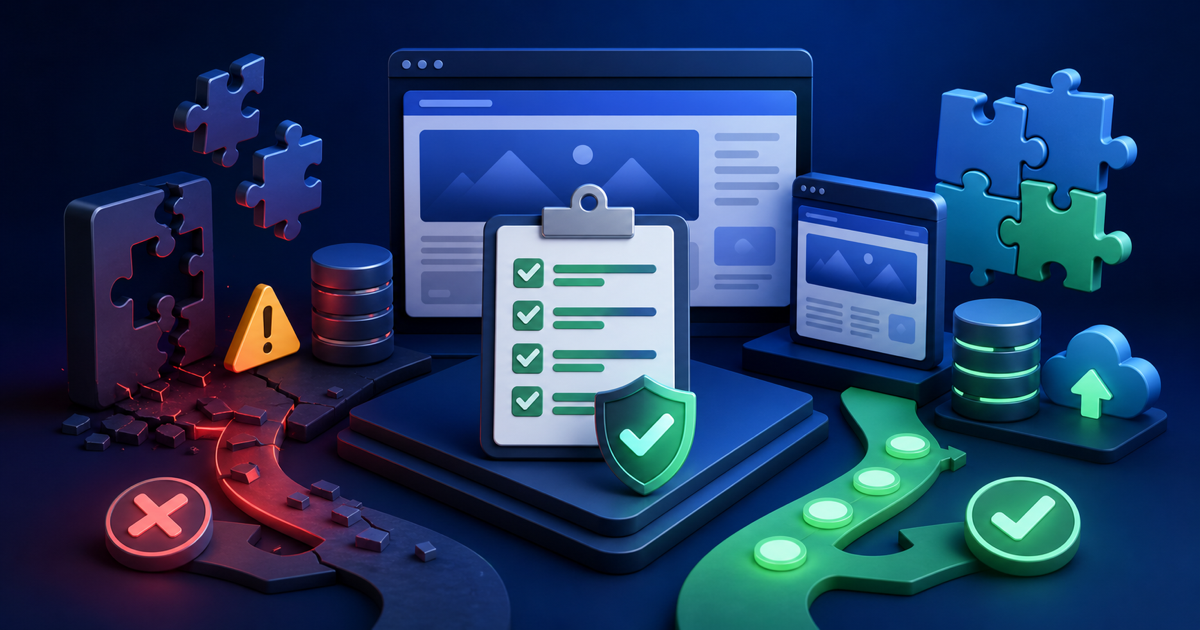
WordPress 7.1 is stable, but “stable” does not mean every plugin, theme, custom snippet, and hosting stack has been tested against your exact site. Most healthy sites should update, especially for long-term maintenance, but business-critical sites deserve a short compatibility check before you click the button.
Key Takeaways
- Update eventually; do not stay indefinitely on an older major release just to avoid testing.
- Back up files and database before the change, and know how to restore them.
- Test editor, forms, checkout, authentication, media, caching, and custom code on staging when the site is critical.
- Pay special attention to plugins that extend the editor because WordPress 7.1 makes the post editor always iframed.
The Short Answer: Most Sites Should Update
If your site is actively maintained and your important plugins support current WordPress versions, 7.1 should be part of your normal update path. Delaying forever creates a different risk: old Core versions receive less attention over time and make future upgrades harder.
The decision is about timing, not whether updates are good. A brochure site can often update after a backup and quick smoke test. A store processing hundreds of orders needs a more controlled window.
Before Updating: Take a Recoverable Backup
Back up both the database and files, store the backup away from the production server, and verify you know how to restore it. For critical sites, test the restore process before the maintenance window rather than learning it during an outage.
Check Plugin and Theme Compatibility
Review recent changelogs for the plugins that touch editing, media, caching, security, checkout, memberships, and custom blocks. “Tested up to” metadata is useful but not absolute proof. A plugin can work on 7.1 before its directory badge is updated, and a badge can never guarantee your exact configuration.
Run This Staging Checklist
Open and edit several representative posts and pages. Upload and edit images. Submit every important form. Run a test purchase or booking. Test login, password reset, user registration, search, menus, caching, scheduled actions, API integrations, and any custom post types.
Then inspect the browser console and PHP error log. Silent warnings can reveal compatibility problems before a user reports a visible failure.
Pay Extra Attention to Editor Extensions
WordPress 7.1 makes the post editor always iframed. Plugins and themes that inject styles or JavaScript into the editor need to follow the supported APIs. If you use custom editor CSS, block extensions, page builders, or admin enhancement plugins, include editing in your acceptance tests.
When It Makes Sense to Wait a Little
Wait if a mission-critical vendor has documented an incompatibility, if you are in the middle of a high-risk campaign or sales event, or if you cannot currently create a backup and rollback path. “I have not tested anything” is a reason to test, not a reason to postpone indefinitely.
After the Update
Clear caches, run the same smoke tests again, monitor logs and analytics, and ask editors whether anything changed in their daily workflow. Keep the backup until you are confident the site has completed its normal business cycle without errors.
Frequently Asked Questions
Is WordPress 7.1 safe?
It is a stable WordPress release. Site-specific safety still depends on your plugins, theme, custom code, hosting, and update process.
Should WooCommerce sites update immediately?
Use a staged update and test checkout, payments, emails, taxes, shipping, account pages, and scheduled actions before updating a busy production store.
What if a plugin is not marked tested with 7.1?
Check the vendor changelog or support channels and test it on staging. Directory metadata can lag behind real compatibility.
Final Thoughts
Updating WordPress should be routine, not reckless. Back up, test the workflows that matter, pay attention to editor extensions, and update during a window when you can respond if something goes wrong. A small compatibility checklist is usually enough to get the benefits of current WordPress without turning every major release into a high-stakes event.



Leave a Reply