
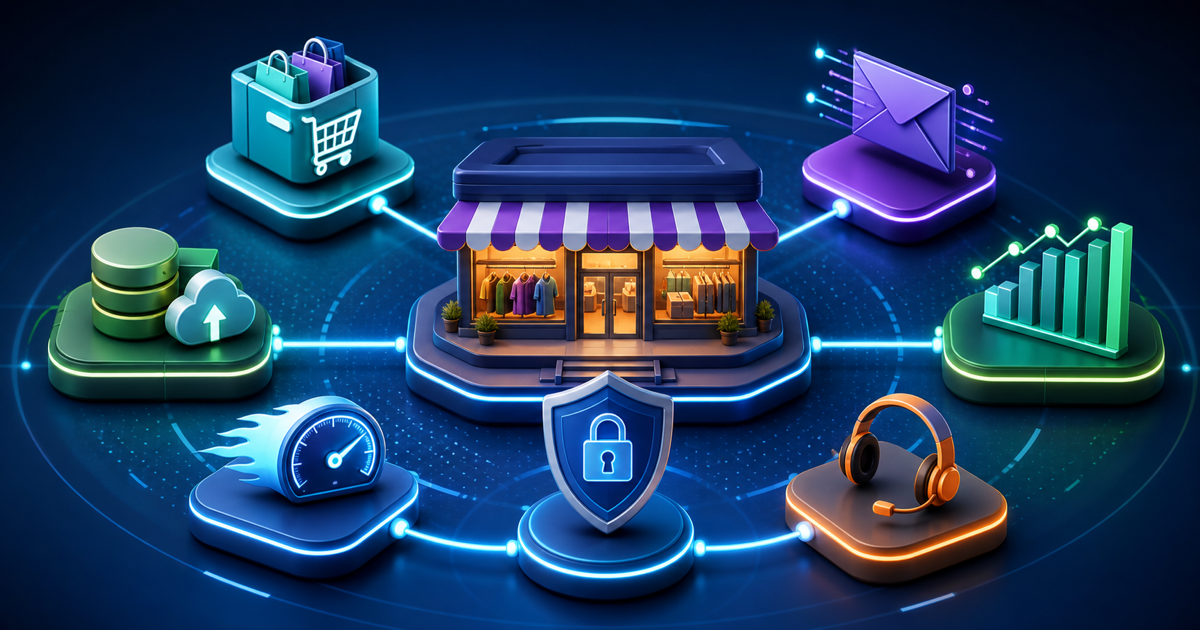
Building a WordPress store is easy if the goal is “install ecommerce.” Building one that stays fast, measurable, supportable, and easy to operate takes more thought. Start with the commerce engine, then add only the capabilities that protect revenue or improve the customer journey. This is the plugin stack that deserves a place.
Key Takeaways
- Choose the commerce engine around product type, checkout model, integrations, and operational needs.
- WooCommerce has the deepest ecosystem; SureCart and FluentCart offer more opinionated modern alternatives.
- Payments, email delivery, backups, security, analytics, and support are part of the store architecture, not afterthoughts.
- Avoid extension sprawl by deciding which system owns each piece of customer and order data.
Step 1: Choose the Commerce Engine
WooCommerce remains the default when ecosystem breadth, extensions, themes, gateways, and developer availability matter most. SureCart is compelling for businesses that want a more managed, SaaS-connected commerce model inside WordPress. FluentCart takes a WordPress-native approach focused on a modern admin and integrated ecosystem.
WPTopper disclosure: FluentCart is developed by WPManageNinja. Evaluate it against the same requirements as the alternatives.
Step 2: Keep Payments Boring and Reliable
Use well-supported payment gateways, enable webhooks, test failed and refunded orders, and understand where card data is handled. Do not add three gateway plugins because they each offer one overlapping feature. Every payment integration increases the surface you need to monitor.
Step 3: Design Checkout Around the Purchase
Physical goods, subscriptions, digital products, donations, and B2B orders need different checkout information. Remove fields that do not affect fulfillment, fraud prevention, tax, or customer service. Test mobile checkout with a real payment method and a slow network connection.
Step 4: Route Email Through a Proper Provider
Order receipts, password resets, fulfillment notices, and subscription messages are revenue infrastructure. Use an authenticated email delivery service, monitor failures, and make sure the From address aligns with your domain authentication.
Step 5: Connect Analytics to Revenue Events
Track product views, add-to-cart, checkout start, purchase, refunds, and important funnel exits. Reconcile analytics with actual order data because browser tracking can be blocked or incomplete. Use analytics for behavior and the commerce database for financial truth.
Step 6: Build a Recovery Plan
Stores change constantly, so backup frequency should match order volume. Test restores, keep off-site copies, and document how you would recover orders placed around an incident. Staging is essential for extension, theme, and checkout changes.
Step 7: Add CRM, Support, and Automation Carefully
A CRM can segment customers and automate post-purchase journeys. A help desk can connect tickets to orders. Marketing automation can recover carts or request reviews. But decide which system is authoritative for customer data so contacts are not copied endlessly between overlapping plugins.
Step 8: Protect Performance
Commerce sites are dynamic, so caching requires more care around cart, checkout, and account pages. Optimize images, reduce third-party scripts, use object caching when appropriate, and test database-heavy plugins with realistic catalogs and order history.
Frequently Asked Questions
Is WooCommerce still the best WordPress ecommerce plugin?
It remains the safest default for ecosystem breadth, but SureCart and FluentCart can be better fits for teams that prefer their different architecture and workflows.
How many plugins does a WordPress store need?
Only as many as required to operate the business reliably. Avoid overlapping payment, analytics, marketing, and optimization plugins.
Should I build the store directly on the live site?
No. Build and test in staging or a development environment, then use a controlled launch process with backups and rollback options.
Final Thoughts
A WordPress store is a system, not a checkout plugin. Choose the commerce engine carefully, then protect payments, email, analytics, backups, support, and performance with the fewest reliable tools possible. Test the entire purchase lifecycle on staging before launch. A lean stack with clear ownership will usually outlast a feature-heavy store assembled from overlapping extensions.



Leave a Reply