
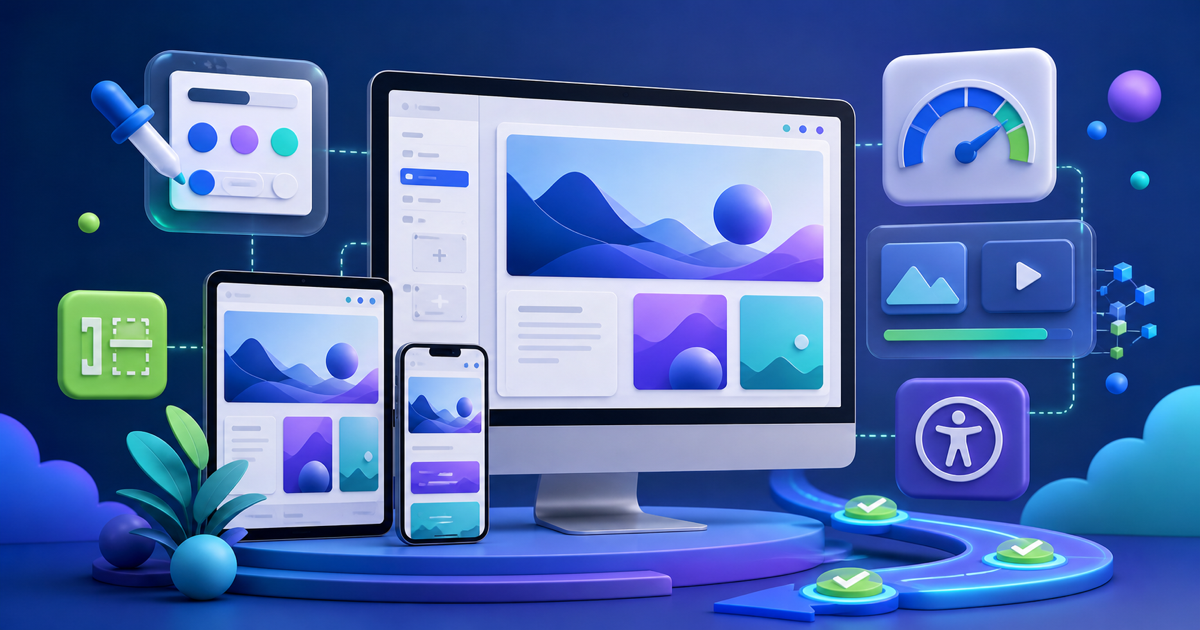
WordPress 7.1 shipped with a long developer Field Guide, but site owners do not need to care about every hook or internal API. The practical question is simpler: which changes affect how you design, upload media, navigate the admin, maintain accessibility, and keep plugins compatible? These are the updates worth your attention.
Key Takeaways
- Responsive and pseudo-state styling reduce the need for custom CSS in supported blocks.
- Client-side media processing can reduce server pressure during image uploads in supported browsers.
- Admin navigation and accessibility improvements affect everyday publishing more than many developer APIs do.
- The always-iframed post editor is mostly invisible to editors but important for plugin and theme compatibility.
1. Responsive Styling Is the Biggest Design Win
WordPress 7.1 adds responsive style states so supported design properties can be adjusted for tablet and mobile contexts. This matters because site owners have historically relied on theme-specific controls or custom CSS for many responsive tweaks.
Do not treat it as permission to micromanage every breakpoint. Use responsive controls to solve real layout problems while keeping global styles and design tokens consistent.
2. Hover and Focus States Become More Accessible to Editors
Pseudo-state controls bring styling for states such as hover, focus, focus-visible, and active into the design workflow for supported blocks. That makes interactions easier to design without custom CSS and can help teams pay more attention to keyboard-visible focus states.
3. Image Uploads Can Use Client-Side Processing
In supporting browsers, WordPress 7.1 can process images on the client using WebAssembly before the server does all the work. The goal is practical: reduce server memory pressure and handle modern formats more effectively while retaining a server fallback where the browser path is not available.
Sites on constrained hosting may notice the biggest benefit, but the behavior is still worth testing with optimization, CDN, and media-management plugins.
4. Media Library Scrolling Changed Again
Infinite scrolling is enabled by default in the Media Library grid and modal, with a per-user opt-out. That improves speed for some workflows but comes with accessibility considerations, which is why the opt-out exists. Teams with keyboard or assistive-technology users should test the experience directly.
5. Admin Navigation Is More Consistent
The persistent toolbar work makes navigation behavior more consistent across editing contexts. It is not a headline feature, but small reductions in “Where did the back button go?” friction add up for teams that spend hours publishing every week.
6. Accessibility Improvements Deserve Attention
WordPress 7.1 includes another broad round of accessibility fixes. Site owners should remember that Core improvements do not automatically make a site accessible. Themes, custom blocks, color choices, form plugins, and content structure remain part of the final experience.
What Site Owners Can Mostly Ignore
Many 7.1 changes are developer-facing: APIs, hooks, editor internals, and integration points. You need your plugin and theme vendors to care about those. Your job is to test the workflows that generate revenue or support customers: login, forms, checkout, search, membership, publishing, and media.
Frequently Asked Questions
What is the biggest WordPress 7.1 feature for site owners?
Responsive styling controls are one of the most immediately useful changes for teams that design with blocks.
Will WordPress 7.1 make my site faster?
Some media processing work can reduce server pressure during uploads, but overall front-end performance still depends heavily on your theme, plugins, hosting, assets, and caching.
Do I need to change anything after updating?
Usually not immediately, but test critical workflows and pay attention to plugins that extend the editor, media handling, or admin interface.
Final Thoughts
WordPress 7.1 has plenty for developers, but site owners can focus on a smaller set: responsive design controls, interaction states, media processing, navigation, accessibility, and compatibility. Update with a backup and a short test plan, then let your plugin and theme vendors absorb the deeper API work unless you maintain custom code yourself.



Leave a Reply